
Service
Virtual Receptionist Service For Small Business Built To Improve Booked Appointments And Qualified Leads

Virtual receptionist service for small business built to improve booked appointments and qualified leads helps companies capture every inbound call instead of letting revenue slip through voicemail. Many small businesses invest in SEO or paid ads to drive traffic, but missed calls and slow follow ups quietly reduce conversions. We often see service businesses generating steady website visits yet struggling with inconsistent lead handling, especially after hours or during peak times. When no one answers, prospects move on to competitors, and that lost opportunity never shows up in analytics reports.
In practice, this system functions as an automated call answering service that responds instantly, routes inquiries, and gathers key details from callers. Ai appointment scheduling allows prospects to book directly into your calendar without waiting for staff to respond. Before implementation, businesses expanding into multiple locations often rely on manual processes that create gaps in response time, inconsistent qualification, and poor tracking of call outcomes across teams.
At RockN' Socials, we approach this with a structured optimization roadmap that aligns call handling with lead tracking and conversion goals. We review call flow logic, qualification steps, and booking triggers, then validate performance through detailed reporting dashboards that show answered calls, booked appointments, and missed opportunities. Our work supports local service businesses and growing companies relying on inbound leads, and the rest of this page explains how we configure, deploy, and refine the system to protect every revenue opportunity.
What You Get
When you implement this service, you receive a fully configured AI-powered phone answering system built around your business hours, services, and call flow. The result is a structured system that answers calls, routes inquiries, and books appointments without manual handling.
Deliverables
AI receptionist setup document outlining call flow structure, greeting scripts, escalation rules, and routing logic
Automated call answering service configuration including custom greetings, after-hours handling, voicemail capture, and missed call follow-up workflows
Call handling automation map showing how new leads, existing customers, and urgent requests are categorized and directed
Lead qualification flows with scripted question trees that capture caller name, service need, location, urgency level, and contact details
AI appointment scheduling integration connected to your calendar or booking system with real-time availability syncing
Call routing optimization plan detailing how calls are distributed to team members, departments, or on-call staff
CRM integration setup in RockN' Socials CRM to log call transcripts, caller data, tags, and follow-up tasks automatically
Call transcript and recording archive configuration for quality control and training
Monthly performance report summarizing total calls, answered calls, missed calls, booked appointments, and common inquiry types
Quarterly optimization review document identifying script adjustments, routing updates, and workflow refinements based on call data
Each deliverable is built around your service categories, operating hours, and internal processes so the system reflects how your business actually works.
Tools and Access
This service uses RockN' Socials CRM to store caller data, trigger follow-ups, and manage lead tracking. AI voice systems handle real-time conversations with callers using structured scripts and response logic. Call routing platforms connect the system to your existing phone provider or VoIP system.
Automation workflows connect calls to calendars, SMS confirmations, email notifications, and internal task creation. Analytics tools track call volume, booking rates, response times, and call outcomes.
To complete setup, we require phone system access or call forwarding capability, CRM access if already in place, documented business hours, service information, pricing guidelines if applicable, and preferred call scripts or talking points.
What You’ll Be Able to Review
You will have access to a call performance dashboard showing answered calls, missed calls, booked appointments, and peak call times. Call transcripts and recordings can be reviewed for quality control and staff training.
You will also receive structured reports that outline:
Inquiry categories and common caller questions
Appointment conversion rates
Call routing distribution
Missed call trends
Workflow adjustments made during the month
During quarterly reviews, you will see a documented summary of optimizations, script updates, and automation changes based on real call behavior. This allows you to evaluate how the system is handling inbound demand and where improvements are being applied.
What We Need From You to Start
To begin implementation, we need:
Access to your phone system or call forwarding settings
Access to RockN' Socials CRM or your existing CRM
Business hours, holiday schedules, and after-hours preferences
Service descriptions and common customer questions
Team member contact details for routing
Calendar or booking system access
Approval of greeting scripts and call handling rules
With these inputs, we build a structured, automated system that reflects your operations and reduces missed opportunities from inbound calls.
How We Evaluate and Improve Performance
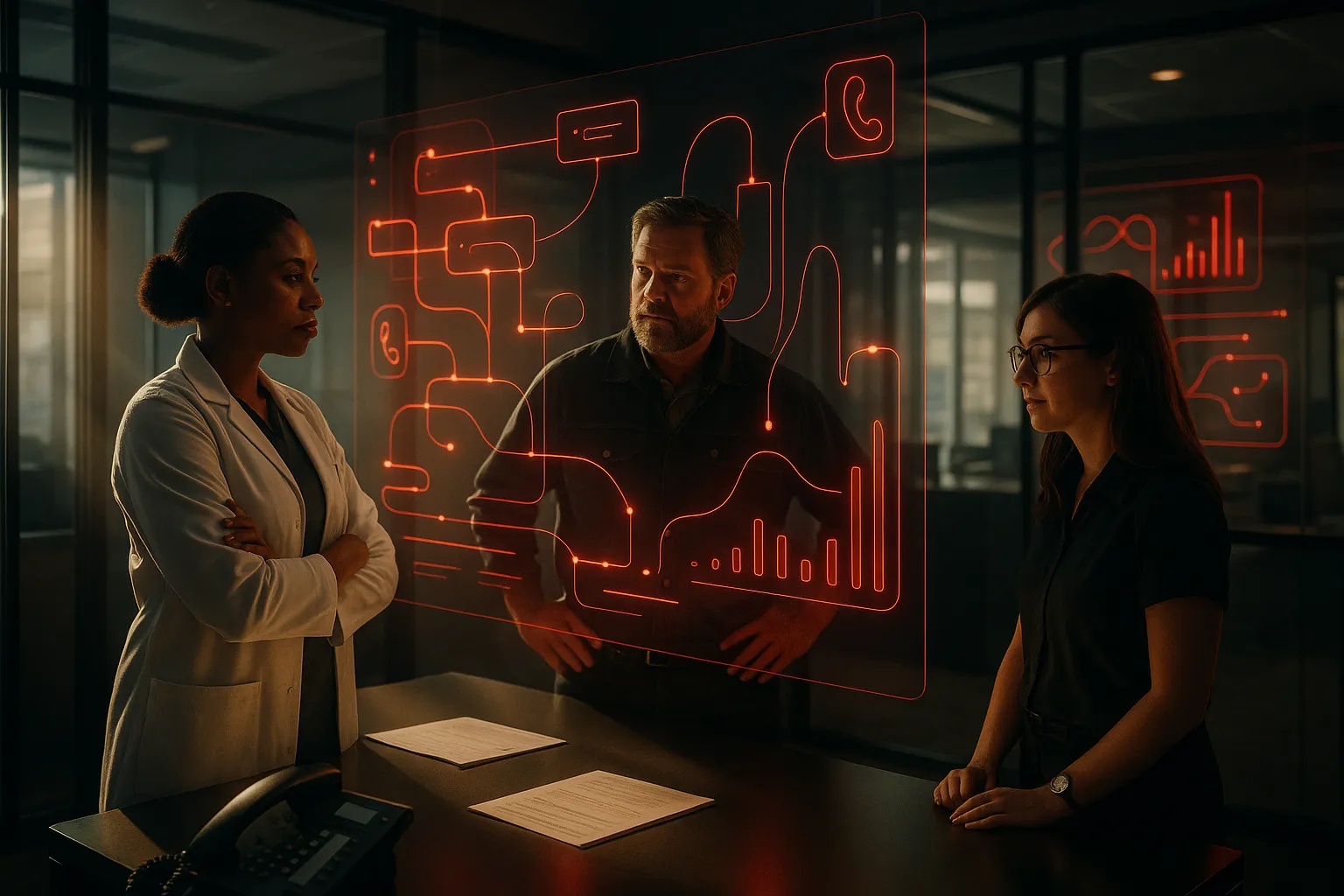
Improving performance starts with structured analysis, not assumptions. Every recommendation is based on measurable data collected from call systems, automation tools, and CRM reporting.
Data Sources We Analyze
When evaluating an automated call answering service, we review multiple data streams to understand how calls move through the system.
From AI voice systems, we analyze:
Call volume by time and day
Call duration and abandonment rates
Voice recognition accuracy
Escalation frequency to human staff
From call routing platforms, we review:
Transfer success rates
Missed call patterns
Routing delays
Department level distribution
Inside the RockN' Socials CRM, we track:
Lead capture accuracy
Qualified versus unqualified callers
Booking completion rates
Follow up task automation
We also review automation workflows to confirm triggers fire correctly and that appointment confirmations, reminders, and internal alerts are delivered as intended.
Finally, we use analytics tools to measure trend changes month over month. This helps us identify whether adjustments improve booking rates, reduce missed calls, or shorten response times.
Each data point shows where friction may exist in the call journey.
Example Findings We Often Identify
During audits, we often uncover structural issues that affect performance.
Common findings include:
Call menus that are too complex, causing caller drop off
Routing rules that send high value leads to voicemail
AI appointment scheduling flows that request too much information
Gaps between call handling and CRM record creation
Automation delays that prevent timely follow up
We document these findings by mapping the entire caller journey step by step. This allows us to pinpoint where breakdowns occur. Fixing these structural gaps typically improves consistency, reduces missed opportunities, and creates a smoother caller experience.
Example Analysis Scenario
A common situation involves strong inbound call volume but inconsistent booking rates.
In this case, we compare:
Call recordings from AI voice systems
CRM conversion data
Call routing logs
Workflow trigger reports
If callers reach the system but fail to book, we review transcripts to see whether prompts are unclear or if required inputs are confusing. If bookings begin but do not finalize, we inspect the CRM and automation workflow to confirm that integration points are functioning correctly.
By comparing these sources together, we avoid assuming the problem is volume related when it may be a process issue inside the booking flow.
Real Tool Workflow
Our evaluation process connects all tools into one review cycle.
AI voice systems provide interaction level data.
Call routing platforms confirm delivery and distribution.
RockN' Socials CRM shows lead quality and booking outcomes.
Automation workflows verify system reliability.
Analytics tools identify performance trends over time.
Looking at only one tool can lead to incorrect conclusions. Combining these systems allows us to validate findings across multiple data sources before making changes.
How Improvements Are Prioritized
After identifying issues, we rank improvements using a clear framework:
Impact on missed calls or lost bookings
Effect on lead qualification accuracy
Ease of implementation
Technical dependencies
Alignment with business goals
High impact, low complexity adjustments are addressed first. Larger structural improvements are scheduled during quarterly optimization reviews.
This method ensures that the virtual receptionist service for small business operations continues to improve based on measurable performance, not assumptions.

Who This Is For
This service is designed for businesses that want measurable improvement in how they handle inbound calls and convert inquiries into booked appointments. It works best for companies that depend on consistent lead flow and need a reliable system to answer, qualify, and schedule without missing opportunities.
Good Fit
This service is a strong fit for:
Service businesses that rely on inbound calls, such as HVAC, plumbing, legal, dental, med spas, and home services
Companies missing calls after hours or during busy periods
Businesses with high call volume that cannot respond fast enough with in-house staff
Teams struggling with inconsistent booking rates despite steady call traffic
Organizations that want structured call qualification before handing prospects to staff
It is especially valuable when each missed call represents meaningful revenue. If one booked appointment can generate hundreds or thousands of dollars, improving call handling often produces clear financial returns.
Common Starting Situations
Many businesses come to us with similar problems.
Some receive steady call volume but discover that a portion goes to voicemail during peak hours. Others rely on front desk staff who juggle calls while managing in-person customers, which leads to rushed conversations or incomplete information.
In other cases, businesses cannot clearly track how many callers actually book appointments. They suspect leads are being lost but do not know where breakdowns occur.
Another common situation is rapid growth. As demand increases, manual call handling becomes inconsistent and difficult to manage.
Not a Fit
This service may not be the right solution for:
Businesses with very low inbound call volume
Companies that only communicate through online forms or email
Organizations unwilling to adjust call scripts or booking processes
Businesses looking for a short-term fix without improving internal systems
Clear goals and a willingness to improve processes are necessary for strong results.
Our Process
Strong results come from a structured process, not random tweaks. An AI receptionist works best when it matches how your business actually handles calls, books work, and follows up. Our process builds the system in clear steps so it sounds natural to callers, captures the right details, and routes requests the right way.
Step 1: Initial Assessment
We start by reviewing your current phone experience from a customer’s point of view. This includes calling your main line during business hours and after hours to see what callers hear, how quickly they get help, and where calls drop off.
We also review your website and key pages that callers usually reference (services, locations, contact page). This helps us understand the language customers see before they call, which affects what they ask for on the phone. If you have call logs or basic reporting, we review recent patterns like common questions, peak call times, and missed call reasons. The goal is to document the starting point and identify the biggest gaps.
Step 2: Strategic Planning
Next, we turn the assessment into a simple plan for how calls should be handled. We map out the most common call types and decide what the system should do in each situation, such as:
New leads asking for pricing or availability
Existing customers needing support or updates
Emergency or time-sensitive requests
Wrong numbers, spam, or unclear requests
We define what information must be collected on every call (like name, service needed, and best callback method) and what counts as a qualified lead for your team. We also set clear rules for when to transfer a call, when to take a message, and when to schedule a time. This planning step keeps the build organized and prevents confusing call paths.
Step 3: Implementation
With the plan approved, we configure the AI voice system and connect it to your current phone setup. We write and test the greeting, question flow, and tone so it fits your brand and sounds professional without being stiff.
We then set up call routing rules based on your hours, team availability, and escalation needs. If you want ai appointment scheduling, we connect your calendar and set booking rules, like appointment length, buffers, and what details are required before confirming.
Finally, we connect RockN' Socials CRM so each call creates a clean record your team can use. This includes caller info, call outcomes, and any notes captured during the conversation.
Step 4: Monitoring and Measurement
After launch, we track how the system performs in real conditions. We look at answered call volume, transfers, message captures, and booking activity. We also review call transcripts and recordings to spot breakdowns, like callers getting stuck, asking the same question repeatedly, or choosing the wrong option.
This step matters because even well-planned call flows can behave differently once real customers start using them.
Step 5: Continuous Refinement
Ongoing improvements are based on evidence, not guesses. We adjust scripts, question order, and routing rules based on what callers actually do. We also refine how the system handles edge cases, like callers who give incomplete answers or request services you don’t offer.
Over time, this creates a more reliable experience that supports a consistent virtual receptionist service for small business operations, even as your hours, services, or staffing needs change.

Pricing
Pricing depends on the scope of work, technical complexity, and the needs of your business. Costs vary based on how many call flows, integrations, and support hours are required.
Projects typically start around $500 setup + $100/month — suitable for a single-location business with a basic automated call-handling setup and simple appointment booking.
Most businesses invest between $500 setup + $150–$300/month — common for small to mid-size companies that need lead qualification, multi-step call flows, and regular monitoring or minor adjustments.
Larger or more complex implementations may range $1,000+ setup + $300–$1,000+/month (multi-line, advanced flows, integrations) — applies to enterprises or multi-site organizations requiring multiple phone lines, custom integrations with CRMs or calendars, and advanced routing logic.
Common factors that influence pricing include:
size of the website
number of pages or services involved
technical complexity
competitiveness of the market
level of ongoing support required
current condition of the website
Most projects begin with a consultation or a technical review so we can define the exact scope and recommend only the features that will deliver measurable value. That initial assessment clarifies setup tasks, integration needs, and ongoing support levels so final pricing reflects the work required rather than a one-size-fits-all rate.
Next Step
The next step is a consultation to understand your business goals and current situation and any immediate challenges you are facing. This meeting will help us learn about your operations and priorities and give both sides a clear starting point.
This conversation helps clarify priorities, scope, timeline, and level of work so expectations are aligned. It helps everyone understand what to focus on and what will be involved for a practical assessment.
The purpose of the conversation is to identify practical opportunities and determine whether the service is a good fit for your specific context. It also helps both sides assess fit and potential benefits in plain terms.
If you would like to explore the service further, you can schedule a consultation.