
Service
Crm Implementation Services in Daytona Beach for Consistent Lead Generation

Crm implementation services help businesses turn scattered leads, missed follow ups, and manual sales tasks into a structured system that consistently drives revenue. Many companies operating in Daytona Beach rely on spreadsheets, disconnected forms, or inbox reminders to manage prospects, which leads to slow response times and lost opportunities. Others invest heavily in paid ads but lack a clear pipeline to track where inquiries stall. A properly implemented CRM brings visibility to every stage of the customer journey so leadership can see where leads drop off and where revenue is actually being generated.
In practice, performance issues often stem from poor pipeline structure, unclear lifecycle stages, and automation that was never configured correctly. Many teams struggle with sales process optimization. We also evaluate how ai workflow automation tools are configured to ensure follow ups, task assignments, and lead scoring run without manual intervention. This becomes even more critical for growing companies managing dozens of service pages or expanding into new markets, where lead volume increases and manual tracking breaks down.
At RockN' Socials, we use structured technical audits and implementation roadmaps to align CRM architecture with real sales behavior. Our process includes detailed workflow mapping and performance dashboards that show conversion trends and pipeline velocity for local service businesses and professional service firms. On this page, you will see how we approach setup, automation, and ongoing management to support consistent lead generation for businesses in Daytona Beach.
What You Get
You receive a fully structured CRM system built around your sales process, lead sources, and team roles. The result is a centralized platform that tracks every lead, manages follow-up, and supports long-term sales process optimization.
Deliverables
Complete CRM configuration including account setup, user roles, permission levels, and custom fields aligned with your services and sales stages
Pipeline creation and stage mapping with clearly defined milestones, deal values, and movement rules to reflect how your team actually sells
Lead tracking system that captures inquiries from forms, ads, SMS, email, and other sources into one dashboard with automatic routing
Automation workflows built using ai workflow automation tools to trigger follow-ups, task reminders, internal notifications, and status updates
Follow-up sequence library including email and SMS templates, timing logic, and task assignments to prevent lead loss
Sales activity tracking dashboard showing calls, emails, appointments, and deal progression in one view
Integration setup connecting your CRM to ad platforms, website forms, payment systems, and third-party tools through secure API connections
Monthly performance report summarizing lead flow, pipeline movement, close rates, and workflow efficiency with written recommendations
System documentation file outlining pipeline structure, automation logic, and process rules for internal reference and onboarding
For businesses operating in Daytona Beach, the CRM can also be configured to reflect local market conditions, service areas, and territory assignments.
Tools and Access
We use RockN’ CRM & Automation Engine along with Pipeline & Sales Tracking Systems, Workflow Automation Builders, Lead Capture & Routing Systems, Integration & API Connection Tools, and Analytics & Conversion Tracking Systems.
If you already have a platform, we evaluate it for compatibility and structure. If not, we assist with platform selection and setup, including projects that require salesforce crm implementation services.
You will receive admin or designated user access to review pipelines, automation workflows, integrations, and reporting dashboards. We may require temporary access to ad accounts, website form builders, email systems, and SMS providers to complete integrations.
What You’ll Be Able to Review
You will be able to log in and view:
A live pipeline dashboard with active deals and projected revenue
Lead source reports showing where inquiries originate
Automation maps that display triggers, conditions, and actions
Activity reports tracking calls, follow-ups, and appointments
Monthly performance summaries with written improvement recommendations
Integration logs confirming successful data transfers between systems
This visibility allows you to monitor system performance without relying on manual updates or spreadsheets.
What We Need From You to Start
To begin setup, we need:
Access to your current CRM platform or approval to configure a new one
A breakdown of your existing sales process, including stages and close steps
Details on all lead sources such as website forms, paid ads, referrals, and inbound calls
Team structure information including roles, permissions, and territory assignments
Copies of current follow-up messages or sales scripts, if available
With this information, we configure a CRM system that supports structured growth, stronger lead management, and measurable improvements in close rates.

How We Evaluate and Improve Performance
Improving results starts with structured analysis, not assumptions. Every recommendation is based on measurable data pulled directly from the CRM, automation systems, and pipeline activity.
Data Sources We Analyze
We evaluate performance using data from the RockN’ CRM & Automation Engine, Pipeline & Sales Tracking Systems, Workflow Automation Builders, Lead Capture & Routing Systems, Integration & API Connection Tools, and Analytics & Conversion Tracking Systems.
Key signals we review include:
Lead source accuracy and attribution consistency
Speed of lead routing and assignment
Pipeline stage movement and stall points
Follow-up completion rates
Contact engagement across email and SMS
Integration errors between forms, ads, and CRM
When providing crm implementation services, we do not only check if the system is functioning. We assess whether the system is improving close rates and operational efficiency. For example, strong lead volume means little if routing delays prevent timely follow-up.
Example Findings We Often Identify
During audits, we frequently uncover patterns such as:
Leads sitting unassigned for extended periods
Automation workflows triggering in the wrong order
Duplicate contacts caused by integration gaps
Pipeline stages that do not reflect the actual sales process
Follow-up sequences that stop after one interaction
These findings are documented within system reports and workflow maps. We trace each issue to its root cause, whether it stems from configuration errors, unclear ownership, or misaligned sales process optimization. Resolving these problems typically improves visibility, accountability, and response speed.
Example Analysis Scenario
For businesses operating in Daytona Beach, we often see strong seasonal lead flow but inconsistent pipeline movement. In one evaluation scenario, lead volume remained steady, yet close rates dropped.
We compared:
Lead capture timestamps
Assignment delays within the pipeline
Sales activity logs
Automation trigger history
The analysis showed that leads from certain ad campaigns were entering the CRM but were not triggering follow-up sequences due to a routing rule conflict. By reviewing the Lead Capture & Routing Systems alongside the Workflow Automation Builders, we identified the misconfiguration before recommending changes.
This type of cross-system comparison prevents incorrect assumptions and ensures adjustments are based on verified data.
Real Tool Workflow
Each tool provides a different layer of insight.
The RockN’ CRM & Automation Engine shows contact history and lifecycle progression
Pipeline & Sales Tracking Systems reveal stage velocity and conversion rates
Workflow Automation Builders expose logic gaps or broken triggers
Integration & API Connection Tools confirm that external platforms are syncing properly
Analytics & Conversion Tracking Systems validate source performance
We combine these data points to avoid isolated conclusions. A pipeline slowdown might appear to be a sales issue, but deeper review may reveal automation failures or delayed routing rules.
How Improvements Are Prioritized
Once issues are identified, we rank improvements based on impact and effort.
We prioritize:
Fixes that restore lost lead opportunities
Bottlenecks slowing pipeline progression
Automation errors affecting multiple contacts
Structural gaps limiting reporting visibility
This structured approach ensures that system-level improvements are addressed before cosmetic changes. By resolving high-impact constraints first, we create measurable gains in efficiency, visibility, and long-term scalability.
Our Process
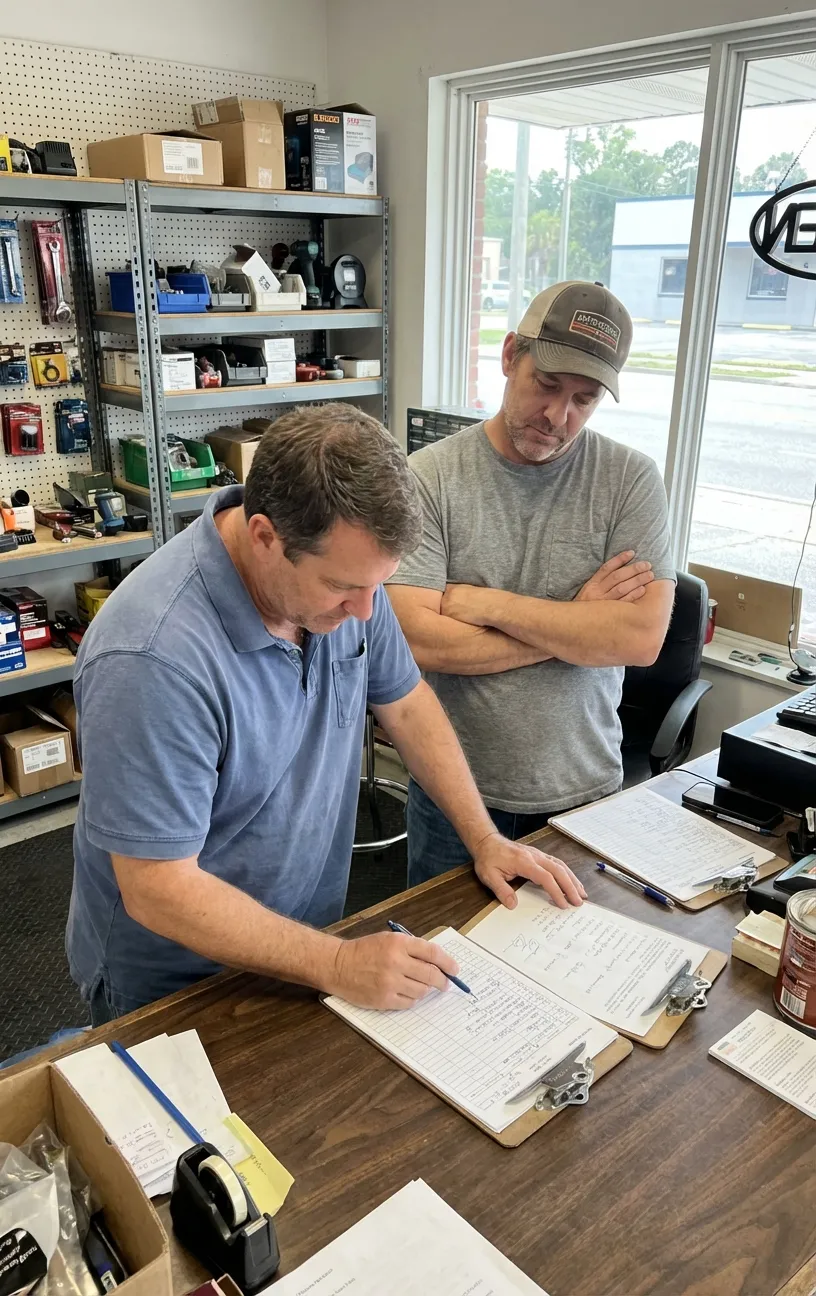
Strong CRM results come from a structured process, not random tweaks. Our workflow is designed to map how your team sells, clean up how data moves between systems, and build a CRM setup your staff can actually use day to day.
Step 1: Initial Assessment
We start by reviewing your current customer journey from first inquiry to closed deal. This includes your website forms, contact channels, current tools, and how leads are handled once they come in.
During this step, we also assess your existing CRM (if you have one) to see what is working and what is causing delays. We look for issues like missing fields, unclear stages, inconsistent data entry, or manual steps that slow follow-up. If you’re a business operating in Daytona Beach, we also note factors like service areas, territory coverage, and how quickly prospects expect a response in a competitive local market.
Step 2: Strategic Planning
Next, we turn the findings into a clear build plan. We define:
The sales stages your team actually uses (not generic stages)
What information needs to be captured at each step
Who owns each stage and what “done” looks like
Where handoffs happen between marketing, sales, and operations
We also set rules for lead handling, like how leads are assigned, what qualifies a lead for a sales call, and when a follow-up should occur. This planning step matters because it prevents messy systems where everyone uses the CRM differently.
Step 3: Implementation
Once the plan is approved, we build the CRM structure and connect the moving parts. This includes creating your pipeline stages, configuring user access, and setting up the fields your team needs to track leads and opportunities.
We then implement automations to reduce manual work and prevent leads from slipping through the cracks. That can include reminders, status changes, task creation, and internal notifications using ai workflow automation tools where appropriate. Finally, we connect lead sources and key systems so data flows in with fewer copy/paste steps and fewer errors.
Step 4: Monitoring and Measurement
After launch, we verify the system is working in real conditions. We test lead capture, routing, stage movement, and automation timing. We also review early activity to confirm the CRM is being used consistently and that the data is reliable.
We track practical indicators like lead volume by source, speed to first follow-up, stage conversion rates, and pipeline movement. This step matters because a CRM that looks correct on paper can still fail if it doesn’t match how the team works.
Step 5: Continuous Refinement
As your team uses the CRM, real patterns show up—where deals stall, which follow-ups get ignored, and what information is missing during calls. We use those observations to make controlled improvements over time.
Refinement may include adjusting stages, improving required fields, tightening automation rules, or updating routing logic as roles change. This is how crm implementation services stay effective long after the initial setup—by keeping the system aligned with your actual sales process as it evolves.

Pricing
Pricing depends on the scope of work, technical complexity, and the specific needs of the business. For companies serving customers in Daytona Beach, local market conditions and the size of your sales team can affect the final investment.
Projects typically start around $500 Setup ($150/Month, $50/per user/employee) — suitable for small businesses or solo owners needing basic pipeline creation and simple automations.
Most businesses invest between $500-$1,000 Setup ($150-$300/Month, $50-$100/per user/employee) — common for growing teams that require multi-stage pipelines, lead tracking, and moderate workflow automation.
Larger or more complex implementations may range $5,000 Setup ($300+/Month, $100+/per user/employee) — applies to organizations with extensive integrations, custom development, or strict security and reporting needs.
Common factors that influence pricing include:
size of the website
number of pages or services involved
technical complexity
competitiveness of the market
level of ongoing support required
current condition of the website
Most projects begin with a consultation or system review to define goals, map existing processes, and scope the work. That initial assessment helps ensure you only invest in the setup and ongoing services that will deliver real value for your team.
Next Step
The next step is a consultation to understand your business goals and current situation for businesses operating in Daytona Beach. This conversation helps us learn about your priorities and how your team currently handles leads.
During the call we will clarify priorities, scope, timeline, and the level of work needed. This ensures both sides have a clear picture of the engagement.
The purpose of the conversation is to identify practical opportunities where improvements will make a real impact. It also helps decide whether the service is a good fit for your needs.
If you would like to explore the service further, you can schedule a consultation.
FAQ'S
Frequently Asked Questions
Quick answers about how we help businesses grow.